Having written about my early memories of shopping in Richmond, Virginia, I was saddened to read the news from a fellow Blogger and Richmond resident:
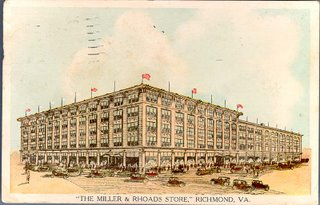
Miller & Rhoads, Richmond VA, c. 1931 (gone)
That sad news was delivered thru my website GuestBook, as it was impossible to write a Blogger comment.

Thalheimers, Richmond VA, somewhat later (gone)
K-Mart, on the other hand, however questionable their service, is still with us. And K-Mart is getting bigger, having recently bought out Sears / Roebuck (aka Sears).
So many Bloggers are thinking about moving to alternate blog hosts, like Wordpress. Well, The Real Blogger Status is being mirrored there, this week. But do I expect that to be a long term solution? Regretfully, no.
K-Mart, though known for providing less customer support, outlasted both Miller & Rhoads and Thalheimers. And engulfed Sears / Roebuck, which was a mail order giant from years back.
I have no doubt that Blogger will continue to expand, even as some Bloggers move to Wordpress. And one day, Wordpress will be engulfed too. Those of you fleeing Blogger for greener pastures may not be away for very long.
Stay and fight the problems now, or flee and fight the problems later. Your choice. If you stay and fight, though, don't expect a lot of cooperation.
...Miller & Rhoads and Thalheimers are alas, no more. Both went out of business and their buildings are slated to be torn down in some downtown renovation.
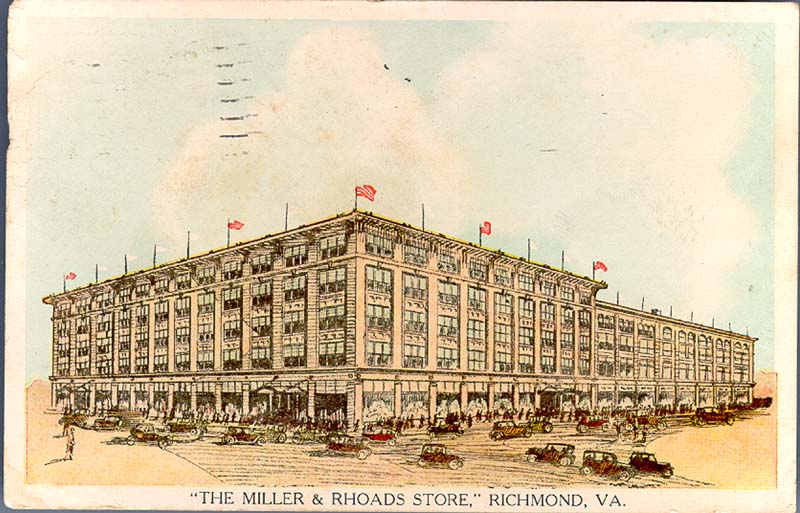
Miller & Rhoads, Richmond VA, c. 1931 (gone)
That sad news was delivered thru my website GuestBook, as it was impossible to write a Blogger comment.

Thalheimers, Richmond VA, somewhat later (gone)
K-Mart, on the other hand, however questionable their service, is still with us. And K-Mart is getting bigger, having recently bought out Sears / Roebuck (aka Sears).
So many Bloggers are thinking about moving to alternate blog hosts, like Wordpress. Well, The Real Blogger Status is being mirrored there, this week. But do I expect that to be a long term solution? Regretfully, no.
K-Mart, though known for providing less customer support, outlasted both Miller & Rhoads and Thalheimers. And engulfed Sears / Roebuck, which was a mail order giant from years back.
I have no doubt that Blogger will continue to expand, even as some Bloggers move to Wordpress. And one day, Wordpress will be engulfed too. Those of you fleeing Blogger for greener pastures may not be away for very long.
Stay and fight the problems now, or flee and fight the problems later. Your choice. If you stay and fight, though, don't expect a lot of cooperation.
Comments